
WheyIndex for Chrome
View protein scores, ingredients, and cost per 25g while shopping on Amazon.
Add to Chrome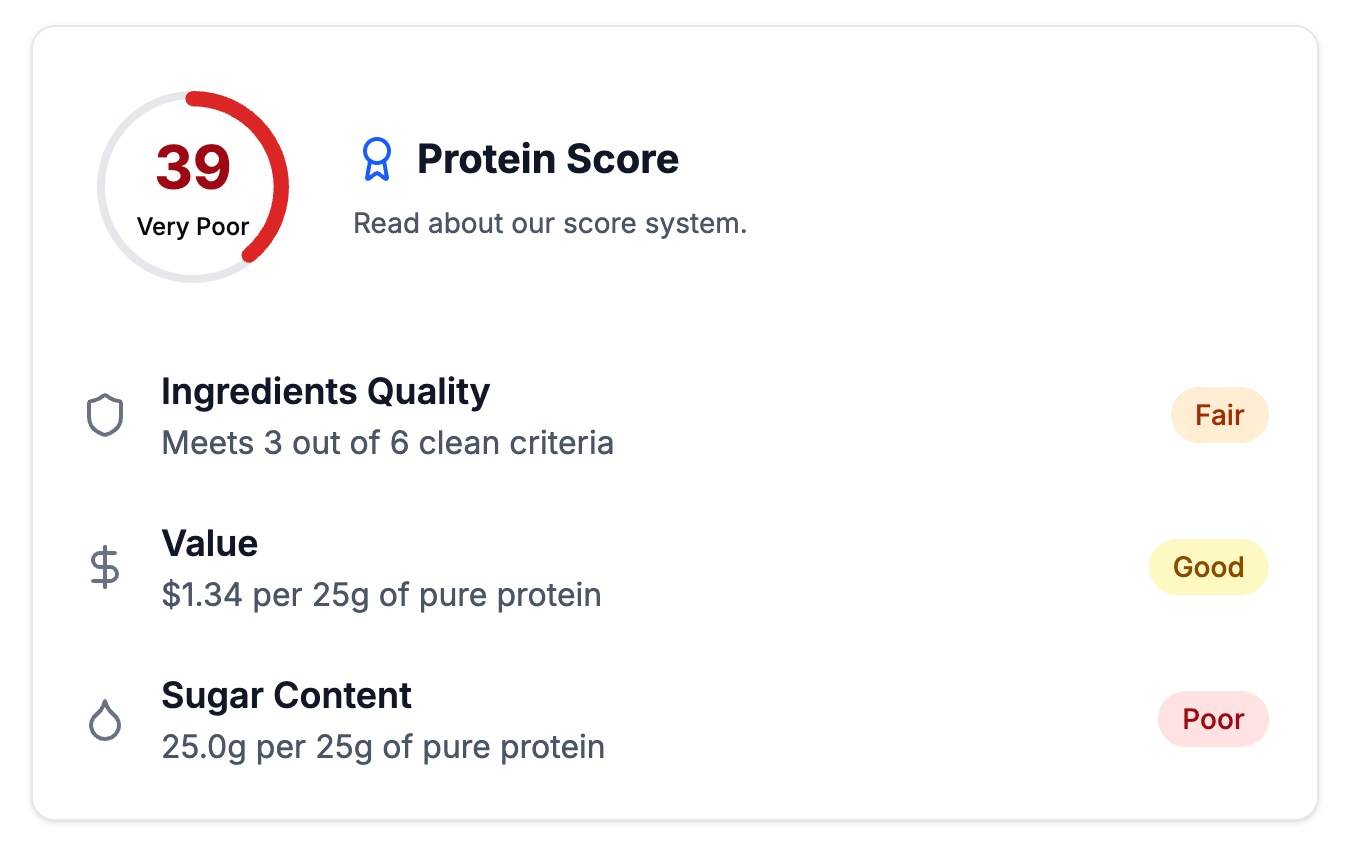
What you can check
- Index /100
- Formulation, sugar, and value in one comparison score.
- Cost per 25g
- Compare equal amounts of protein across different tub and serving sizes.
- Product evidence
- Review the available ingredients and nutrition information.
Getting started
- Add the extension from the Chrome Web Store.
- Open an Amazon product listing supported by WheyIndex.
- Open the extension to see its report.
Questions
Is it free?
Yes, the extension is free to use.
Why is a score missing?
A complete score needs sufficient ingredient, nutrition, and price data. A missing score is not a zero.
How are scores calculated?
See the published methodology for the scoring rules.